
In the fast‑moving AI image generation landscape of 2025, an open‑source model called Z‑Image AI suddenly became the focus of social media. From Hugging Face to Bilibili and X, users shared experiences like “6B parameters producing photography‑grade images in seconds,” “running uncensored NSFW content locally,” and “a killer alternative to Flux 2,” with tutorial videos easily surpassing a million views. Z‑Image was released by Alibaba's Tongyi‑MAI lab and officially open‑sourced on November 25, 2025; within two weeks it gained over 50,000 GitHub stars and more than 100,000 downloads.
As a lightweight base model with just 6B parameters, it ranks among the top open‑source models on the Elo image‑generation benchmark, can generate images in as little as one second, and requires only 8GB of VRAM—far lower than the cloud dependencies of Midjourney or DALL‑E. YouTuber ZeroDegree said: “Z‑Image is the best free AI tool to adopt in 2025; you don't need a high‑end PC to achieve professional‑level editing.” PCMag tests highlighted its strong performance in photography‑style realism. The surge in popularity stems from the model’s “low barrier, high freedom” balance, sparking what some in the open‑source community call a “Z‑Image revolution.” This phenomenon not only underscores the global impact of Chinese AI research but also signals a shift from cloud‑dominated image generation toward broad local access.
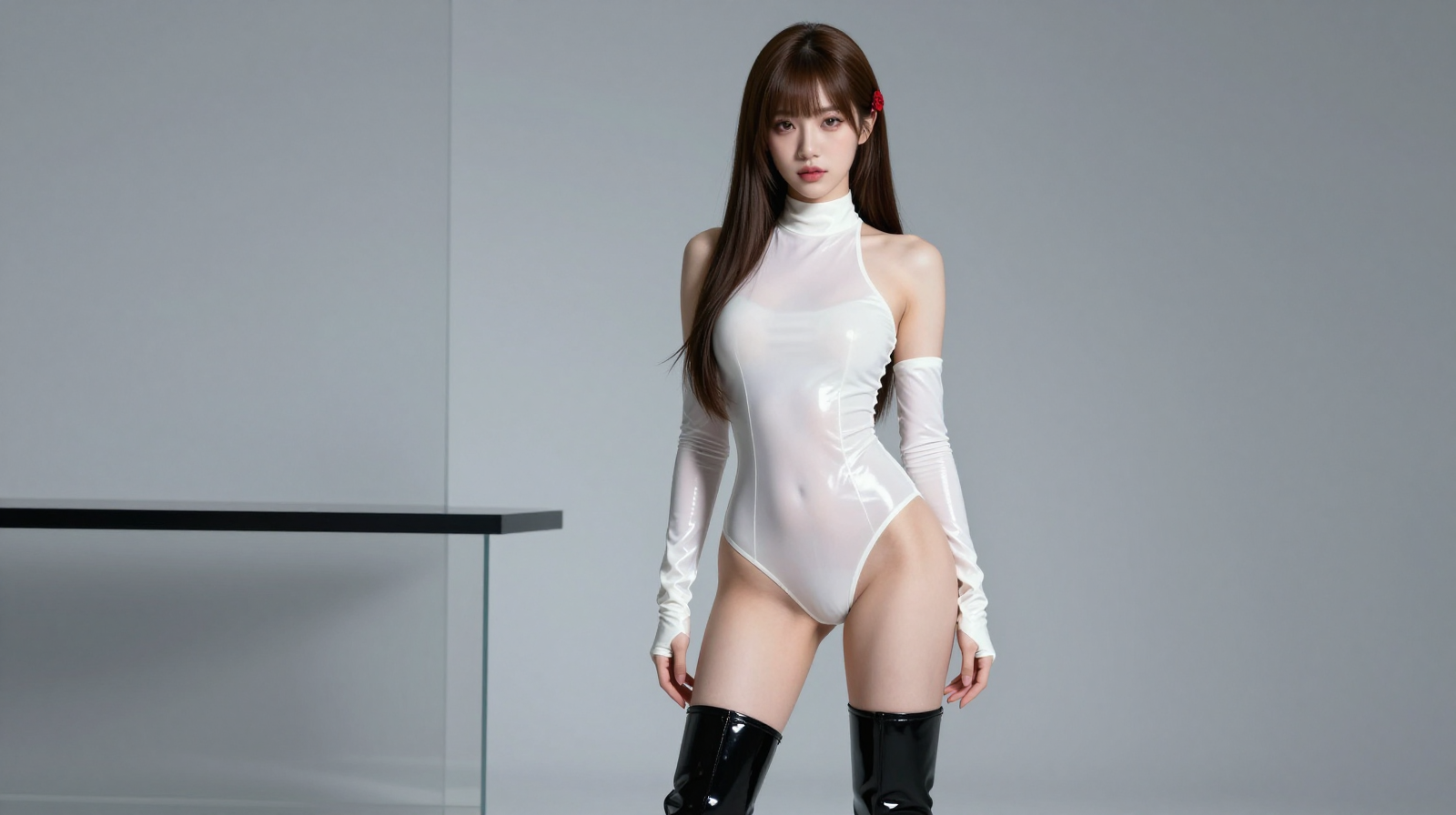
Z‑Image AI did not appear out of nowhere; it is the latest work from Alibaba’s Tongyi‑MAI lab. The lab, part of Alibaba Cloud, focuses on multimodal AI research and previously released the Qwen language model series. Z‑Image is its first open‑source product in image generation, built on an in‑house Transformer architecture. With only 6B parameters it achieves generation quality comparable to Flux 2 at 70B.
Unlike Google’s Nano Banana Pro—which Google launched in November 2025 as an image editing tool supporting 4K generation but requiring cloud APIs and subject to content moderation—Z‑Image is independently developed, emphasizing “Turbo” speed and local deployment. The lab says Z‑Image was trained on massive multilingual datasets, supports English and Chinese prompts, and focuses on realism and fine‑grained control when generating images.
The viral wave can be traced to November 27, when an X user named Angry Tom posted images generated by Z‑Image depicting HIV‑related subjects, saying it “absolutely disrespects traditional models”; that post received 428 likes. Reddit’s r/StableDiffusion and YouTube creators such as LuffyTheFox followed with tutorials showcasing “fox spirit”–style images, driving views up sharply. Bpay News called Z‑Image “the new king of AI art,” highlighting its lightweight design and bilingual support.
Z‑Image’s core capabilities are efficient image generation and editing, supporting text‑to‑image (T2I), image‑to‑image (I2I), and style transfer. It excels at photography‑grade realism, producing high‑fidelity “digital camera” images with natural lighting, texture and color transitions. Compared with Flux 2, Z‑Image requires fewer inference steps (6–9), lower VRAM, and is suitable for mid‑range GPUs. Users can input prompts like “a cute fox in a forest” and receive photography‑style outputs; the model supports uncensored NSFW content. A Medium article, “Best AI Image Generators of 2025 1H,” ranked Z‑Image among the top five free tools, praising its “photorealism from 6B parameters.” Community ecosystem features also helped: integration with ComfyUI and Stability Matrix and free LoRA training. Reddit users posted LoRA training tutorials that received hundreds of upvotes.
Installing Z‑Image is straightforward and supports Windows, Mac and Linux, requiring only a basic GPU (8GB VRAM). The following steps are based on Hugging Face and YouTube tutorials.
Step 1: Prepare the environment (10–20 minutes)
- Ensure your PC has an NVIDIA GPU (RTX 3060 or better) and install the latest drivers (nvidia.com/drivers).
- Download Python 3.10+ (python.org) and Git (git‑scm.com).
- Install CUDA 12.1+ (developer.nvidia.com/cuda‑downloads) and reboot the system.
- Open a terminal and run:
git clone https://github.com/comfyanonymous/ComfyUI.git
cd ComfyUI
pip install torch torchvision torchaudio --extra-index-url https://download.pytorch.org/whl/cu121
pip install -r requirements.txt
Step 2: Download the model (5–15 minutes)
- Visit Hugging Face (huggingface.co/Tongyi‑MAI/Z‑Image‑Turbo) and download “z‑image‑turbo‑v1.safetensors” (about 6GB).
- Place it in the ComfyUI/models/checkpoints folder.
- Download ControlNet models (e.g., control_v11p_sd15_inpaint.pth, ~1GB) to models/controlnet.
- Optional: download VAEs (e.g., vae‑ft‑mse‑840000‑ema‑pruned.safetensors) to models/vae.
Step 3: Launch and use (2 minutes)
- Run in terminal: python main.py
- Open a browser at http://127.0.0.1:8188; the interface is similar to Stable Diffusion WebUI.
- Workflow: load the Z‑Image model, set a prompt (e.g., “a cute fox in forest, realistic photography”), set steps to 6–9, then click Generate. Output images are saved locally.
- Edit mode: upload a source image, choose Inpaint, enter an edit prompt (e.g., “change fox to dog”).
Z‑Image can generate images in as little as 1–3 seconds per frame, making it friendly for beginners. Advanced users can train custom styles via LoRA: collect 10–20 images and run the training script (Hugging Face provides guides); training can take around 30 minutes. The free version supports unlimited local generation, provided you have a GPU; cloud services like waive.online offer online trials.
Despite its popularity, Z‑Image has limitations: uncensored NSFW content can be abused and the community urges self‑regulation; complex scenes sometimes show detail distortions and may require multiple iterations. Alibaba plans to expand into video generation, and Z‑Image could become an open‑source alternative to Flux 2.
The arrival of Z‑Image demonstrates the egalitarian power of open‑source AI. With a half‑hour install, users can begin a creative journey—from selfie edits to artistic creation—bringing image‑making tools to a broader audience.