
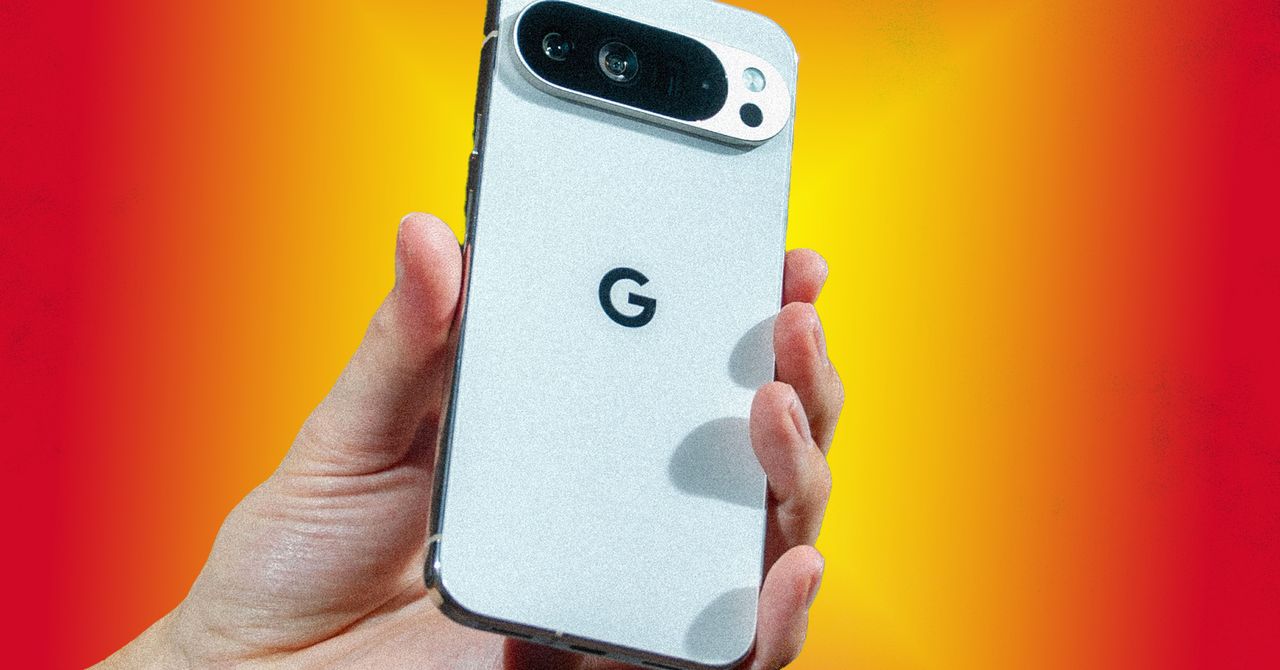
Lead: According to WIRED's report on December 29, 2025, Google made a major upgrade to its Gemini Live feature, improving real‑time multimodal understanding and longer‑context memory. The upgrade not only enhanced model capabilities but also added several interface and interaction shortcuts tailored to everyday scenarios. Below are three "new tricks" from the WIRED article you can try immediately, each accompanied by concrete steps and usage tips to help readers reproduce them on their phones.
1. Turn your phone camera into a "pocket expert" — real‑time recognition + step‑by‑step guidance
How to: Open the Gemini app, tap the "Live" tab, and grant camera and microphone permissions. Point the lens at the target object (appliances, clothing labels, food packaging, etc.), and use conversational language in the input box below the screen to describe what you want to do. WIRED reports that the upgraded Gemini can locate key regions in the frame and offer step‑by‑step instructions, such as disassembly guidance or troubleshooting sequences.
Details: When Gemini highlights "possible screw locations" or "danger points" in an image, it marks them on‑screen so users can view the highlights while listening to voice prompts—useful for repair and disassembly scenarios. The article emphasizes permission management: be mindful of privacy settings when enabling continuous camera input to avoid long‑term live streaming in sensitive situations.
2. Let Gemini act as a host and scribe in multi‑person conversations — live summaries and task lists
How to: In online meetings or in‑person interviews, start Gemini Live and switch to "Meeting" mode (WIRED notes this mode prioritizes voice transcription and speaker recognition). Gemini can generate key points in real time, allocate tasks, and output brief summaries with timestamps.
Details: WIRED points out that the new version improves separation of multiple speaker tracks and can more accurately label "who said what." When resolutions or action items appear during a meeting, Gemini lists them as clickable tasks that users can export to calendar reminders or send to relevant people with one click. For younger users, this creates a seamless chain from discussion to execution, removing the tedium of post‑meeting note organization.
3. Convert visual input directly into actionable checklists or code snippets — shortcuts from photo to action
How to: When you photograph a menu, handwritten notes, product packaging, or a screenshot and upload it to Gemini, the system attempts to structure the visual information: for example, generating a shopping list from a menu, an outline from handwritten research notes, or extracting UI elements from a screen into front‑end code snippets.
Details: WIRED gives an example: after photographing a whiteboard and uploading it, Gemini not only recognizes keywords but can prioritize them and output a copyable to‑do list; for developer users, it can map on‑screen interface elements to an HTML/CSS draft, saving early‑stage effort from prototype to code. The article stresses "reducing friction between vision and action," not fully replacing human judgment, and recommends treating AI‑generated content as a draft to be reviewed by a person.
Conclusion: WIRED repeatedly notes that this upgrade pushes Gemini Live from a "chatty" model toward a "task‑capable" assistant. For younger users, apparent attractions include "snap‑and‑get usable output" and "automated meeting notes"—using AI to turn fragmented time into tangible results. However, the article also stresses privacy and accuracy concerns: keep camera and microphone usage cautious, and have humans vet AI‑generated technical or legal advice.
If you want to experiment quickly, WIRED suggests first enabling features in familiar, non‑sensitive scenarios: disassembling old electronics, photographing class notes for organization, or testing automatic summaries in small group discussions to verify Gemini's reliability and time‑saving effects in your common use cases.
▶️ Like this article? Creating content is hard work!
Subscribe to our YouTube channel:
AI Rosetta
Your likes, subscriptions, and shares are our greatest support! 🙏
For more AI news visit: https://www.airosetta.com